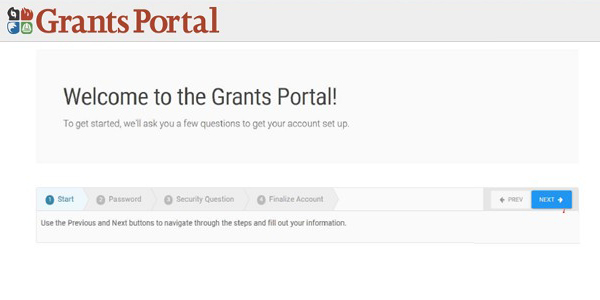
Activating a Grants Portal Account: Welcome Screen
| When the individual user selects the link in their email, it brings them to Grants Portal to set up their account. Directions to activate a Grants Portal account: - Read the screen that welcomes the user
- Select the "Next" button to move to the next screen when ready
| |
|