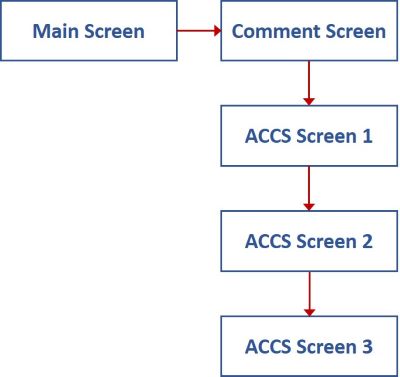
Main screens establish the key information for the entire transaction record in IFMIS.
The process by which you post transactions includes entering data in the Main, Comment, and Accounting Classification Code Structure (ACCS) screens.
Use the Tab key on your keyboard to navigate through the fields and buttons on the screens. Fields may be required, optional, computed, or read-only.
Select the three screen types (Main, Comment, and ACCS) in the diagram to learn about each screen.